
Quote to cash automation turns a customer enquiry into a signed, paid agreement inside one mobile workflow: form, then contract, then e-signature, then payment. Get it right and quotes go out same-day, invoices trigger the moment a job is marked complete, and automated reminders chase late payments so you don’t have to.
TL;DR:
- Connecting lead capture directly to contract generation and digital approval reduces the quote-to-cash cycle for small businesses to within an afternoon.
- Automating invoice creation upon job completion and sending pay links with reminders can significantly cut days sales outstanding and improve cash flow.
- The most impactful integrations involve form data merge fields with contract templates, accounting systems, and payment processors, especially webhooks for automatic reconciliation.
- Prioritize fixing structured intake and online approval processes before implementing complex accounting integrations or advanced payment options.
- Manual oversight remains essential for high-value or unusual jobs, as full automation can lead to mistakes if not carefully managed.
Table of Contents
- What quote to cash automation means for small businesses and trades
- The core quote to cash steps every small service business needs
- Get a working quote to cash flow live in an afternoon
- Integrations and payment choices that actually matter
- Common pitfalls when you automate quote to cash
- Practical lessons from building form-first workflows
- Why the standard automation advice misses the point for tradies
- How a form-first platform handles this end-to-end
- Sources
- FAQ
What quote to cash automation means for small businesses and trades
For a sole trader or a five-person trades crew, quote to cash automation is not the enterprise category most search results describe. Large sales organisations use configure-price-quote (CPQ) platforms to manage multi-tier pricing approvals and revenue recognition across hundreds of reps. That’s a different problem for a different buyer.
For a plumber, cleaner, or photographer, the workflow is form-first: a customer fills in a simple online form, that data auto-generates a quote or contract, the customer signs it on their phone, and payment (often a deposit) happens in the same session. No PDFs bouncing between inboxes, no separate invoicing tool bolted on afterwards.
The mechanics matter more than the label. According to NetSuite’s breakdown of the quote-to-cash process, every handoff between disconnected tools is a point where data drifts or a deal stalls. Fewer handoffs mean fewer chances to lose the sale.
Three numbers tell you whether your setup is actually working:
- Quote turnaround: hours from enquiry to a quote landing in the customer’s inbox.
- Job-to-invoice time: days between marking a job complete and sending the invoice.
- Days sales outstanding (DSO): how long, on average, invoices sit unpaid.
Track those three and you’ll know exactly where your business is bleeding time and cash.
The core quote to cash steps every small service business needs
Most small operators already have pieces of this workflow. The gap is usually in the connections between them, not the individual tools. Here’s the sequence, in order:
- Capture the enquiry with a structured form. Ask for job type, address, preferred timing, and photos if relevant. Skip the generic “tell us about your job” text box. Structured fields feed directly into the next step.
- Auto-generate the quote or contract. Use the form answers to populate a template rather than retyping details into a separate document. This is where most manual businesses lose the most time.
- Send for online approval with e-signature. Include a deposit request at the point of signing if the job warrants one.
- Trigger job scheduling. Once signed, the job status updates automatically and your field team gets a mobile notification.
- Auto-generate the invoice on completion. The invoice should fire the moment the job status flips to “done”, with a pay link embedded, not sent as a follow-up task days later.
- Run an automated follow-up ladder. Unpaid invoices get reminders on a set schedule, and payments reconcile back against the original job record.
Service businesses that automate quoting, approvals, invoicing, and follow-up typically cut their quote-to-cash cycle substantially, largely because nobody is manually chasing the next step.
Pro Tip: Collect card-on-file or payment details at the quote-acceptance stage, not after the job’s done. Framed as “we’ll charge when the work’s finished,” most customers accept it, and it removes the awkward step of asking for payment details after they’ve already had the work done.
Get a working quote to cash flow live in an afternoon
You don’t need a software rollout plan to fix this. Most small firms can wire up a basic connected flow in a single sitting, provided they work through it in order.
- Measure your baseline first. Time how long it currently takes from enquiry to quote sent, and from job complete to invoice issued. Write both numbers down. You’ll need them to know if the changes worked.
- Turn on an online approval link. If your current quoting tool doesn’t support in-browser sign-off, this is priority one. Customers approving on their phone, instantly, closes the biggest gap in most workflows.
- Connect approval to invoicing. Whether through a native integration or a connector like Zapier or Make, set it up so a signed approval automatically creates a draft invoice tied to the job.
- Switch on payment links and reminders. Every invoice should carry a one-click pay link, and reminders should fire without you touching a keyboard.
- Run one real test job through the whole chain. Send yourself a fake enquiry, approve it, mark it done, and check the invoice fires correctly.
- Review after a week. Look at your two baseline numbers again. Fix whichever step is still the slowest, then leave the rest alone.
Implementation guides on connecting quoting, invoicing, and payment reminders consistently note that the basic version of this flow is achievable in an afternoon. It’s the complex, multi-system integrations that take longer, and most small service businesses don’t need those yet. Our own walkthrough on getting a sign-and-pay flow live fast covers the same ground in more detail.
Integrations and payment choices that actually matter
Not every connection in a quote-to-cash chain deserves equal attention. Four matter far more than the rest:
- Forms to contract generator. The template needs merge fields that pull directly from form answers, and the interface has to work cleanly on a phone screen, since most tradies fill these out from a truck cab, not a desk.
- Accounting integration. Invoices should auto-create with line items already mapped to the right job, not dumped as a lump sum you have to break down manually later.
- Payment processor. Hosted pay links cover most small jobs. For recurring clients (cleaning contracts, maintenance retainers), card-on-file or direct debit removes the need to chase payment every cycle.
- Connector layer. Native integrations are more reliable when available. For everything else, a tool like Zapier, Make, or n8n bridges the gap without custom development.
Webhooks close the loop. When a payment lands, a webhook should update the job record automatically, so reconciliation happens without anyone manually cross-checking a spreadsheet against a bank statement. Our guide on mapping approved quotes into accounting systems walks through the reconciliation side in more detail.
Common pitfalls when you automate quote to cash
Most failures come from a handful of predictable mistakes:
- Data drift between tools. Fix it with a single source of truth for job data, so the form answer, not a re-entered version, feeds every downstream step.
- Delaying invoices. Trigger invoicing on job completion, not on a weekly batch run. Delaying this single step is the biggest driver of longer DSO.
- Payment friction. Default to a one-click pay link and request a deposit at acceptance rather than waiting until the job’s done.
- Skipping follow-up. An automated 7/14/30 reminder ladder handles most late payments without a single awkward phone call.
- Automating everything. Keep a manual review gate for unusually large or non-standard jobs. Full automation on a five-figure contract is how mistakes slip through unnoticed.
Pro Tip: If a quote falls above your normal job value, route it to a manual approval step instead of auto-sending. Automation should handle the routine, not the exceptions.
Practical lessons from building form-first workflows
I’m Josh, founder of Ksign. Building a form-native contract platform meant watching a lot of small businesses run their quote-to-cash process through six disconnected tools, a habit that costs far more time than most owners realise.
The pattern repeats: a plumber quoting by text message, invoicing a week after the job, then following up by phone when payment doesn’t land. Connect those steps and the same job goes from enquiry to paid invoice in days rather than weeks.
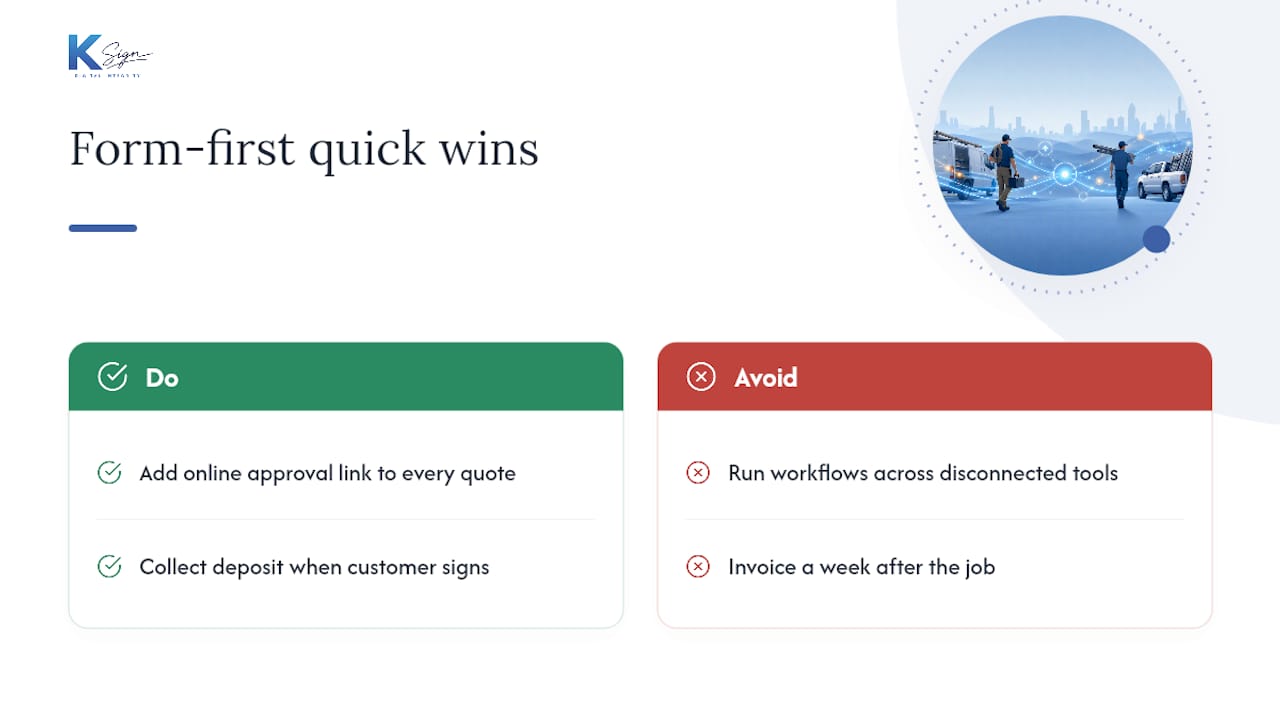
If you do nothing else this month, start with two changes: put an online approval link in front of every quote, and collect a deposit the moment a customer signs.
Why the standard automation advice misses the point for tradies
Most guidance on this topic is written for sales teams managing pipelines of a hundred deals, then repackaged for small businesses without changing the assumptions underneath. That’s backwards. A sole trader doesn’t need approval matrices or tiered discount logic. They need a customer to sign a quote from their phone in the ute and get a text when the deposit clears.
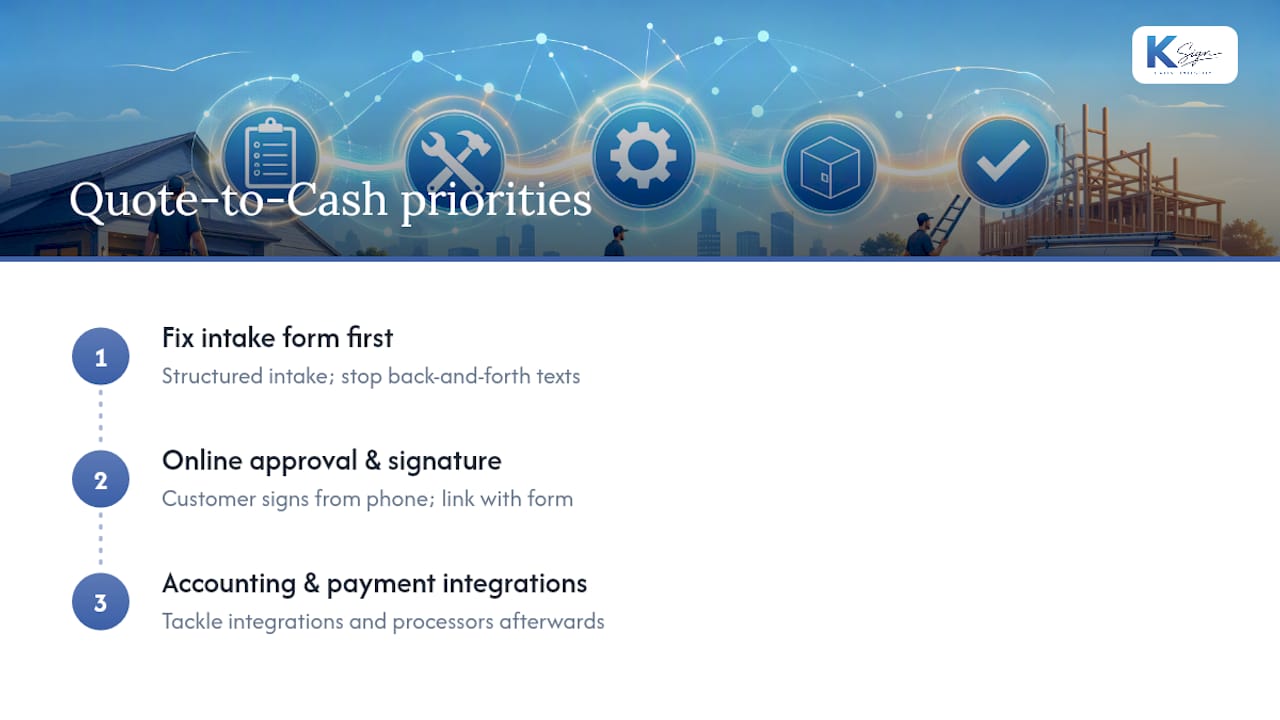
The conventional advice also overweights the invoicing step and underweights the intake form. Yet the biggest time loss for most trades businesses happens before the quote even exists, in the back-and-forth of collecting job details by text or phone call. Fix the intake form first, and everything downstream gets faster automatically.
If you’re prioritising, start with structured intake and online approval before you touch accounting integrations or payment processors. Those matter, but they’re the second problem, not the first. Get the form and the signature working together, and the rest of the chain has something solid to build on.
— Josh
How a form-first platform handles this end-to-end
Ksign is built around exactly the gap this article describes: the space between a customer enquiry and a signed, paid agreement. Rather than stitching together a form tool, a separate e-signature app, and a payment processor, Ksign generates the contract or quote straight from the customer’s form answers, sends it for legally binding signature, and collects a deposit or payment in the same flow.

It suits the businesses this article is written for: tradies sending quotes from a job site, cleaning companies confirming recurring service agreements, builders managing variation approvals, and photographers locking in bookings with a deposit attached. The contract automation feature handles the merge-field logic so you’re not rebuilding templates by hand, and embedded payments mean the pay link sits inside the same document the customer just signed.
Ksign offers multiple subscription plans priced monthly per user. Check the full breakdown on the pricing page and see which tier matches how many people on your team need to send quotes and collect signatures.
Sources
- Quote-to-Cash Automation for Service Businesses | AnovaGrowth
- Automate invoicing and contract-to-payment | SixFive
FAQ
What is quote to cash automation for a small business?
It’s the connected workflow that turns a customer form submission into a signed, paid agreement without manual handoffs between separate tools. For small service businesses, that means form, then quote or contract, then e-signature, then payment, all in one flow rather than six disconnected steps.
How long does it take to set up basic quote to cash automation?
A basic version connecting online approval, invoicing, and payment reminders can go live in a single afternoon using existing tools and simple connectors. More complex integrations across multiple systems take longer.
What’s the fastest way to reduce late payments?
Trigger invoices the moment a job is marked complete rather than batching them later, and layer an automated reminder sequence on top, typically at 7, 14, and 30 days. Collecting a deposit at quote acceptance also compresses the payment timeline significantly.
Does Ksign handle payments as well as signatures?
Yes. Ksign combines form-based quoting, contract generation, e-signature, and embedded payment collection in one workflow, so a customer can approve and pay a deposit in the same session they sign.
What metrics should I track to know if automation is working?
Watch quote turnaround (hours from enquiry to quote sent), job-to-invoice time (days from job complete to invoice issued), and days sales outstanding. If any of the three isn’t improving within a few weeks, that’s the step to fix next.