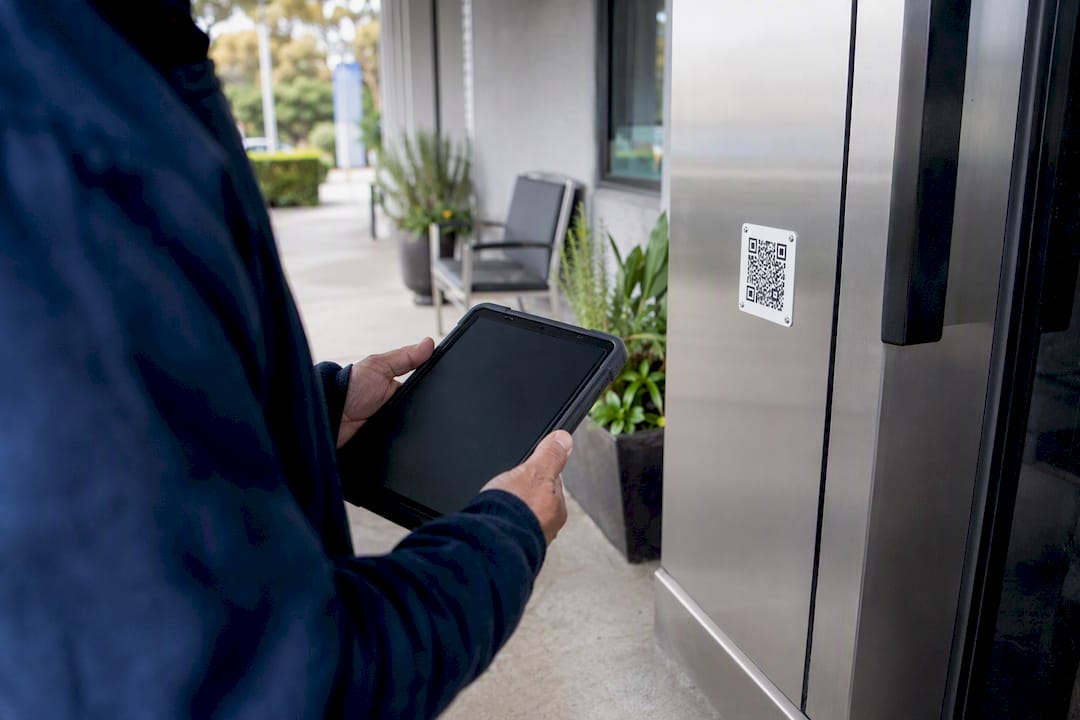
Yes. A QR code can carry someone straight into a consent form on their phone, and that consent becomes legally meaningful the moment the form captures an identifiable signer, a timestamp, and an audit trail behind the scenes. The code itself is just a doorway. What matters is what happens after the tap.
If you want this running before the end of the day, the sequence looks like this:
- Build the form with your consent clauses and a signature field.
- Turn on e-signature capture and audit logging.
- Generate the QR code from the published form link.
- Test it on at least two phone brands.
- Publish the QR (print, sticker, or kiosk screen).
- Check submissions and audit entries daily for the first week.
Before you go live, confirm three things: your privacy notice matches what data you’re actually collecting, you know where signed records are stored and for how long, and you have a fallback for the moment someone’s phone won’t scan or their data drops out mid-form.
Key Takeaways
Legally defensible consent via QR code depends on the audit trail behind the scan, not the code itself, and combining pre-arrival with kiosk access maximises coverage.
| Point | Details |
|---|---|
| QR is the doorway, not the proof | Signer identity, timestamp, and audit trail are what make consent defensible, not the code. |
| Test before you publish | Scan and complete the form on at least two phone brands before relying on it. |
| Run both workflows | Pair pre-arrival links in bookings with an on-site kiosk to catch walk-ins too. |
| Don’t overpromise response gains | The only randomised trial found no significant lift in response rate from adding a QR option. |
| Ksign combines the pieces | Ksign generates the QR, captures the signature, and logs the audit trail in one workflow. |
Table of Contents
- When should you use a QR code consent form?
- How do you build and publish a QR-accessible consent form?
- What makes a QR-delivered consent form legally defensible?
- How do you design a QR consent form people will actually finish?
- How do you set up kiosks and pre-arrival links without slowing service?
- What platform features actually matter for QR consent forms?
- What should your final consent form checklist and clauses include?
- What do most teams get wrong with QR consent forms?
- If you want a ready-built solution: how Ksign helps
- Frequently asked questions
- Sources
When should you use a QR code consent form?
QR-code consent works anywhere someone needs to agree to something before you can proceed: activity waivers, clinic intake, research consent, field service job approvals, event registrations, photo releases. The common thread is a moment where a signature has to happen fast, often on a device you don’t control.
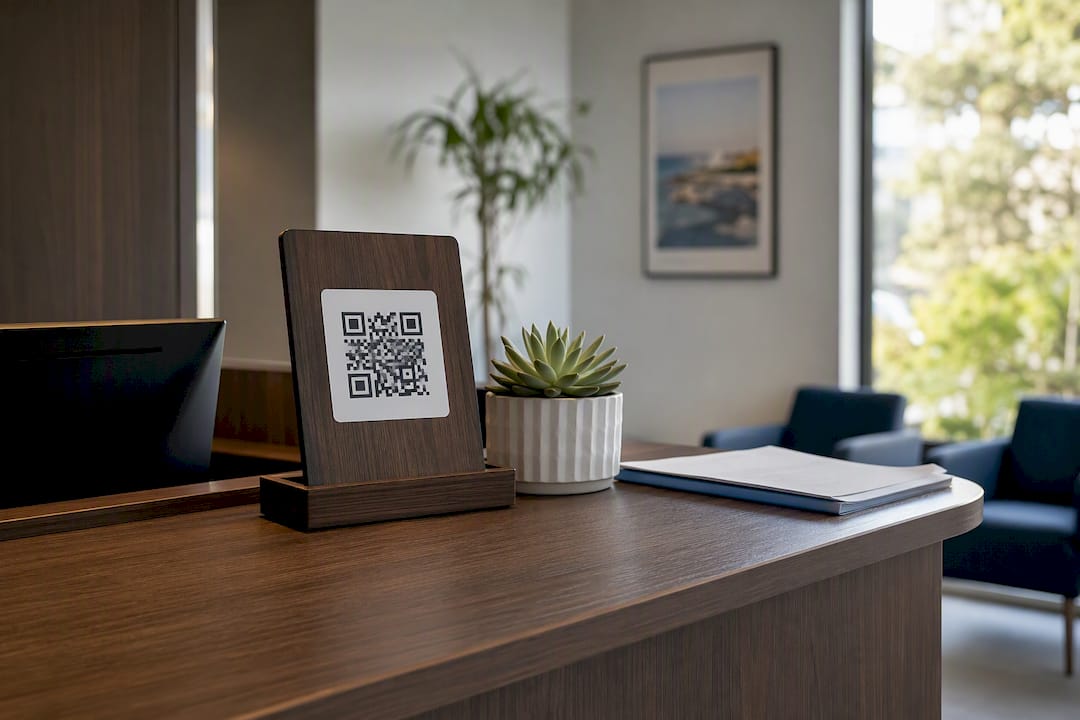
There are two ways to deliver it. Remote (pre-arrival) sends the QR code or its link in a booking confirmation, email, or text, so the client signs before they show up. Kiosk (on-site) posts the code at a reception desk, entry point, or tablet stand, so walk-ins scan and sign on arrival.
- Pre-arrival is faster at the point of service and reduces front-desk queues, but depends on people actually opening the message beforehand.
- Kiosk workflows catch everyone who walks through the door, but add a small wait and need device upkeep.
- Pre-arrival suits appointments and bookings; kiosk suits walk-in traffic and events.
- Combining both gives near-complete coverage: signed clients skip the kiosk entirely, and only walk-ins need it on-site.
Pro Tip: Send the pre-arrival QR link in the same message as the booking confirmation, not a separate follow-up. People sign it while they’re already thinking about the appointment.
How do you build and publish a QR-accessible consent form?
Start with a template close to your use case rather than a blank form. Add your consent clauses in plain language, then turn on signature capture, so the signer draws or taps their name against a timestamped field. Configure the audit trail to log the signer’s name, IP address, device type, and submission time. Only then generate the link and its QR code, and decide whether it’s a printable QR for signage or an embedded one for a kiosk screen.
- Choose or build the form template.
- Add consent clauses and any required disclosures.
- Enable signature capture and identity fields.
- Turn on audit trail and metadata logging.
- Generate the form link and QR code.
- Print the QR or embed it on a kiosk screen or booking page.
- Test the full flow on real phones before publishing.
Testing is the step people skip, and it’s the one that catches the problems. Run through this before anyone else sees the code:
- Scan the QR with at least an iPhone and an Android device.
- Complete the form yourself, start to finish, on mobile data (not just Wi-Fi).
- Confirm you receive a signed copy or confirmation.
- Check the audit log actually recorded your test submission.
Keep the mobile experience lean: prefill anything you already know (name, booking reference), limit typing to what’s essential, and avoid tiny form fields that force pinch-zooming on a five-inch screen.
The evidence on QR codes lifting response rates is thinner than most vendors imply. A pilot randomised trial testing QR codes on patient consent forms found no statistically significant change in overall response rate, though the QR group did show a nonsignificant trend toward higher consent and faster turnaround. Treat QR access as a friction reducer, not a guaranteed conversion booster, and test your own numbers before assuming it will lift completion.
Pro Tip: If your form has more than six or seven fields, split it across two screens with a visible progress bar. Long single-scroll forms lose people around the halfway mark on mobile.
What makes a QR-delivered consent form legally defensible?
A signature alone proves very little. What holds up under scrutiny is the evidence trail sitting behind it: who signed, when, from where, and whether the document they saw can be reconstructed later.
- Record the signer’s full name and the method used to confirm identity.
- Log a timestamp for every submission, not just a completion date.
- Capture IP address and user agent as supporting metadata.
- Keep the audit trail immutable, meaning no one, including staff, can edit it after the fact.
- Apply version control, so you can always identify exactly which version of the form a given signer agreed to.
Digital waiver platforms typically capture signer name, IP address, timestamp, and user agent specifically to strengthen evidence under US electronic signature laws like ESIGN and UETA. That combination, not the QR code itself, is what makes the consent defensible.
Embedding the form’s stable identifier inside the QR payload, and storing an immutable, hashed audit record server-side, is what prevents a later dispute over which version of the form someone actually signed.
If your form touches health data, treat privacy obligations as a baseline requirement, not an afterthought, and confirm your storage and access controls meet whatever standard applies in your sector, such as HIPAA for US healthcare providers. That’s a compliance checkpoint to work through with your own advisor, not something a generic form template can guarantee.
Retention matters too. Decide upfront how long signed forms and their audit logs stay on file, and make sure every edit to the form itself creates a new version rather than overwriting the old one.
How do you design a QR consent form people will actually finish?
Keep the title and opening line plain: what they’re agreeing to, in one sentence, before any legal language follows. Break long consent clauses into short paragraphs rather than one dense block, and show a progress indicator if the form runs more than one screen. Signature fields need to be large enough to draw on comfortably with a thumb, not a cramped box designed for a mouse.
- Lead with a clear, specific title, not a generic “Consent Form.”
- Write clauses in plain English, short sentences, no legal boilerplate stacked on top of each other.
- Add a progress bar for multi-screen forms.
- Make signature and checkbox targets large enough for a thumb.
- Support screen readers, sufficient colour contrast, and a legible font size.
- Always offer a typed link as a backup to the QR scan, for anyone who can’t or won’t scan a code.
The only randomised trial on this so far was small and underpowered, so don’t assume a QR option will automatically lift your numbers. Run your own comparison over a few weeks and let your actual data settle the question.
How do you set up kiosks and pre-arrival links without slowing service?
A kiosk needs a plan beyond just propping up a tablet. Lock the device to the form (kiosk mode), keep it charged and wiped between uses, and assign one staff member to glance over occasionally rather than hover.
- Secure the device so it can’t be used for anything but the form.
- Start a fresh session after every signer.
- Keep a charger connected and wipe the screen between uses.
- Print the QR at a size that scans cleanly from arm’s length, and laminate it if it’s near water or dirt.
For pre-arrival, embed the QR or its link directly in the booking confirmation and send one reminder if it’s still unsigned close to the appointment. A short staff script helps too: “Scan this code with your phone camera, it opens our consent form, sign at the bottom, and you’re all set. Takes about two minutes.”
Pro Tip: Place kiosk signage at eye level near where people naturally pause, not the entrance itself. Codes taped to a door get missed in the rush to get inside.
What platform features actually matter for QR consent forms?
Not every e-signature tool handles QR delivery the same way, and the differences show up fast once you’re running this daily. Look for platforms offering:
- QR auto-generation for both online links and kiosk-specific sessions.
- Built-in audit trails with tamper-evident signature records.
- Reliable mobile rendering, tested on real devices, not just desktop previews.
- A template library so you’re not building consent clauses from scratch.
- Version control that timestamps every form revision.
- Exportable signed PDFs plus API or webhook access for your other systems.
These features cut two costs at once: the admin time spent chasing paper, and the legal exposure of a form nobody can properly trace back to a signer. KSign’s web form tools are built around this exact pairing, generating the QR-linked form, capturing the signature, and logging the audit trail in the same workflow, rather than stitching three separate tools together.
Pro Tip: If you’re a small operation, prioritise template availability and audit trail quality over flashy extras like custom branding. The clauses and the evidence trail are what protect you if a form is ever disputed.
What should your final consent form checklist and clauses include?
Before publishing, run through this list one more time:
- Required fields are complete: name, date, signature.
- Signature capture and audit logging are both switched on.
- Retention period is set and documented.
- QR code is printed or embedded and tested on two device types.
Here are four clause starting points to adapt, not copy verbatim, since your wording needs to match your actual activity and jurisdiction:
- Consent to activity: “I understand the risks associated with [activity] and voluntarily agree to participate.”
- Data use notice: “Information collected here will be used only for [stated purpose] and stored for [retention period].”
- Photo/media release: “I grant permission to use photos or video taken during [event] for [stated purpose].”
- Electronic signature agreement: “By signing below, I agree this electronic signature carries the same legal weight as a handwritten one.”
If you’re collecting health, financial, or other sensitive data, have someone with legal or compliance expertise review the wording before it goes live.
What do most teams get wrong with QR consent forms?
The biggest mistake is treating the QR code as the hard part, when it’s the audit trail behind it that actually matters if a signature is ever challenged. Teams get the scan-and-sign flow polished, then skip proper metadata logging or skip testing on a cheap Android phone with patchy reception. Speed and defensibility aren’t in tension. You just have to build both from the start, not bolt the second one on later.
If you want a ready-built solution: how Ksign helps
Ksign is the alternative to stitching together a form builder, a separate e-signature tool, and a spreadsheet for tracking who’s signed what. Everything from the consent clauses to the QR generation to the audit log lives in one workflow, so you’re not exporting data between three platforms every time someone asks for proof of consent.

Ksign’s form tools generate QR codes for both online and kiosk delivery, capture signatures with a full audit trail, and let you version-control your clauses as they change. If your consent workflow also needs a deposit or fee attached, payment collection runs in the same step, so approval and payment happen together instead of as two separate follow-ups. Businesses running a booking system through a partner like Wexla Websites can embed the QR link directly on their booking confirmation page for a genuinely pre-arrival workflow.
Pricing stays flat and transparent, without per-envelope or per-user surprises, which matters when you’re a small team trying to budget this properly. Have a look at the product overview and see whether it fits your consent workflow before you commit to anything.
Frequently asked questions
Is a QR code consent form legally binding? Yes, provided the form behind the QR code captures an identifiable signer, a timestamp, and an audit trail. The QR code is simply the access method; the legal weight comes from the signature capture and record-keeping standards it connects to.
Do I need special software to create a QR code consent form? You need a platform that generates the QR code from a published form link and logs signature metadata automatically. Building this manually with a generic QR generator plus a separate form tool is possible, but it leaves gaps in the audit trail that a combined platform closes automatically.
Can I use a QR consent form for health or medical data? Yes, but treat it as a compliance checkpoint requiring specific attention to data storage, access controls, and retention rules relevant to your sector, such as HIPAA in US healthcare settings. Confirm your platform and workflow meet those requirements before collecting sensitive health data.
What happens if someone can’t scan the QR code? Always provide a typed link alongside the QR code as a fallback. Some phones have camera restrictions, poor lighting affects scanning, and not everyone is comfortable using a camera to access a form.
How long should I keep signed QR consent forms? Retention periods depend on your industry and jurisdiction, but the form and its full audit trail, not just the signature, should be stored together for whatever period applies to your records. Set this policy before you launch, not after your first dispute.
This article is general information, not a substitute for advice from a qualified lawyer. Consult a qualified legal professional about your own circumstances before acting on anything here.
Sources
- Effect on study consent rates of adding a QR code to patient consent forms: Pilot randomized controlled trial